

Siemens
- Home
- Siemens
Siemens Software and Automation, Supplied and Supported in India
Siemens is one of very few technology companies that covers both the software that defines a product and the automation that builds it. Vijak Automation brings both to manufacturers in India.
 DIGITAL MANUFACTURING & AUTOMATION
From product definition to production planning and industrial automation.
Used together, the Siemens portfolio forms what Siemens calls a comprehensive digital twin: the same data runs from the first 3D model through simulation, change control and production planning to the controller on the machine. You can start with a single CAD seat or a connected design-to-automation environment. Either way, our engineers handle licensing, implementation, training and ongoing support.
CAD: Design and Engineering
Two design systems built on the same Parasolid modelling kernel: one for complex products and large engineering teams, one for small and mid-sized manufacturers. Files open in either without translation.
Designcenter (formerly NX)
Siemens’ flagship design system, renamed from NX to Designcenter in 2026. Existing NX users keep their licences, data and skills. Most capabilities below are add-ons, available individually or through token-based licensing.
- Part and assembly modelling
Parametric and direct (synchronous) modelling in the same model, convergent modelling for mesh and scan data, and fast handling of very large assemblies.
- Industrial design and styling
Freeform and subdivision surfacing with curvature and highlight analysis, for styled, ergonomic and aerodynamic shapes.
- Sheet metal design
Flanges, bends, forming features and flat patterns driven by manufacturing rules, including dedicated aerospace sheet metal tools.
- Designcenter Structure Designer
Welded and bolted frames built from standard profiles, starting from 2D skeleton layouts, with automated frame drawings.
- Designcenter routing
Piping, tubing, cable and harness routing inside the 3D assembly, with separate add-ons for mechanical routed systems and electrical systems.
- Designcenter Mold Wizard
Guided injection mould design: parting, core and cavity, mould bases, cooling channels and standard components.
- Designcenter Progressive Die Wizard
Progressive die design covering unfolding, formability checks, nesting, strip layout and die structure.
- Jigs, fixtures and tooling
Add-ons for electrodes, jigs, fixtures and other tooling, designed in context of the part they hold or make.
- Model-based definition and drafting
3D annotations, tolerances and manufacturing notes on the model, plus automated, standards-compliant 2D drawings.
- Designcenter Mechatronics Concept Designer
Early concept design and motion simulation of machines that combine mechanics, sensors, actuators and control logic.
- Designcenter simulation and validation
Designer-level structural, thermal and motion analysis, including Designcenter Performance Predictor and Simulation and Animation Designer.
- Generative design and topology optimisation
Shapes generated from loads, constraints and the intended manufacturing method, plus algorithmic modelling for rule-driven geometry.
- Design for additive manufacturing
Lattice structures, build orientation, supports and print preparation for 3D-printed parts.
- Knowledge reuse and automation
Reuse libraries, templates, rule-based design and open programming interfaces that capture company know-how and automate repetitive tasks.
- Check-Mate design validation
Automated checks of models and drawings against company and industry standards before release.
- Fibersim and Syncrofit
Specialist aerospace tools: Fibersim for composite part design and manufacturing data, Syncrofit for aerostructure assembly and fastener definition.
- AI assistance and collaboration
AI-assisted design and documentation, real-time Live Share design sessions, and immersive reviews in virtual and mixed reality.
- Designcenter X
The cloud-delivered (SaaS) edition: the same desktop design tools with cloud collaboration, licensed by subscription.
Designcenter Solid Edge
Professional 3D design for small and mid-sized manufacturers: quick to learn, strong on machinery and sheet metal, and able to grow from a single seat to managed product data.
- 3D design with synchronous technology
Parametric and direct modelling in one system, with straightforward editing of imported models from any CAD source.
- 2D drafting
Production drawings with automatic view and dimension creation, revision tables and automatic hole tolerancing.
- Sheet metal
Flanges, tabs and slots, flat patterns and wall-thickness checks for fabricated parts and enclosures.
- Frames, weldments and piping
Structural frames from standard profiles, weld definition and piping layouts within the assembly.
- Wiring and harness design
Electrical schematics, harness design and 3D routing, kept in step with the mechanical model.
- Simulation
Built-in structural analysis for parts and assemblies, with CAD-embedded flow analysis through Simcenter FLOEFD and Simcenter Flomaster for Solid Edge.
- Generative design
Lightweight, optimised shapes generated from loads and constraints, ready for machining or 3D printing.
- CAM Pro
CNC programming for milling, turning and multi-axis work, using the same machining technology as NX CAM.
- 3D printing
Print preparation for in-house printers and service bureaus, directly from the design model.
- Technical Publications
Assembly instructions, service manuals and illustrated parts catalogues created from 3D data.
- Data management
Built-in revision control and requirements management, with an upgrade path to Teamcenter as the team grows.
- AI assistance
Magnetic Snap Assembly for automatic mating, AI-generated drawing views and Design Copilot for in-context help.
- Cloud and mobility
Designcenter X Solid Edge (SaaS), cloud sharing of design data and a mobile viewer for parts, assemblies and drawings.
CAM: CNC Programming
NX CAM keeps its name under the Designcenter rebrand. It programmes on the design model itself, so a revision updates the toolpath rather than restarting the job.
NX CAM
One system for every type of CNC work in a modern shop, from simple prismatic parts to blades, moulds and mill-turn components.
- 2.5- and 3-axis milling
Planar, cavity and contour milling, with adaptive roughing for high material removal at constant tool load.
- Multi-axis milling
Positional and simultaneous 5-axis machining with automatic tool tilting and collision avoidance.
- Turning and mill-turn
Turning, multi-channel mill-turn synchronisation and adaptive rough turning for hard alloys such as Inconel.
- Feature-based machining
Automatic recognition of holes, pockets and other features, machined with your stored strategies and driven by 3D annotations.
- AI machining suggestions
Machining operations and tools proposed from previously programmed parts, to speed up programming of similar jobs.
- Mold, die and electrode machining
High-speed finishing, rest milling and electrode programming for tool rooms.
- Turbomachinery milling
Dedicated strategies for blades, blisks and impellers.
- Drilling, hole making and deburring
Hole-making cycles and automated planar deburring of machined edges.
- Wire EDM
Programming for wire electrical discharge machining.
- Robotic machining
Toolpaths for robots used in milling, trimming and deburring.
- Additive and hybrid manufacturing
Programming for powder-bed, directed-energy and hybrid machines that combine deposition with machining.
- Integrated simulation and verification
Simulation of the complete machine tool from the real NC code, so collisions and over-travel show up before prove-out.
- Post Configurator and Post Hub
Creation, tuning and central management of postprocessors for your machines and controllers.
- CMM inspection programming
Coordinate measuring machine programmes generated from the 3D model’s tolerances and annotations.
- On-machine probing
Probing and tool-setting cycles for closed-loop cut, measure and correct machining.
- Manufacturing Resource Library
Managed libraries of tools, holders, machines and templates, shared across programmers through Teamcenter.
- Shop documentation and fixtures
Setup sheets, tool lists and fixture design produced from the programme.
- NX X Manufacturing
Cloud-connected CAM packages at Standard, Advanced and Premium levels, with a manufacturing viewer for the shop floor.
CAE: Simulation and Test
Simcenter is Siemens’ simulation and test portfolio. Since Siemens acquired Altair, it also includes the former Altair tools, now carrying Simcenter names. We list the former names too, because many teams still know them by those.
Structural and mechanical simulation
- Simcenter 3D
One environment for structural, motion, acoustic and thermal simulation, associative to CAD, with composites and materials tools.
- Simcenter Nastran
Finite element solver for linear and nonlinear statics, dynamics, vibration and optimisation.
- Simcenter Femap
CAD- and solver-independent finite element pre- and post-processing on Windows.
- Simcenter Hypermesh (formerly Altair HyperMesh)
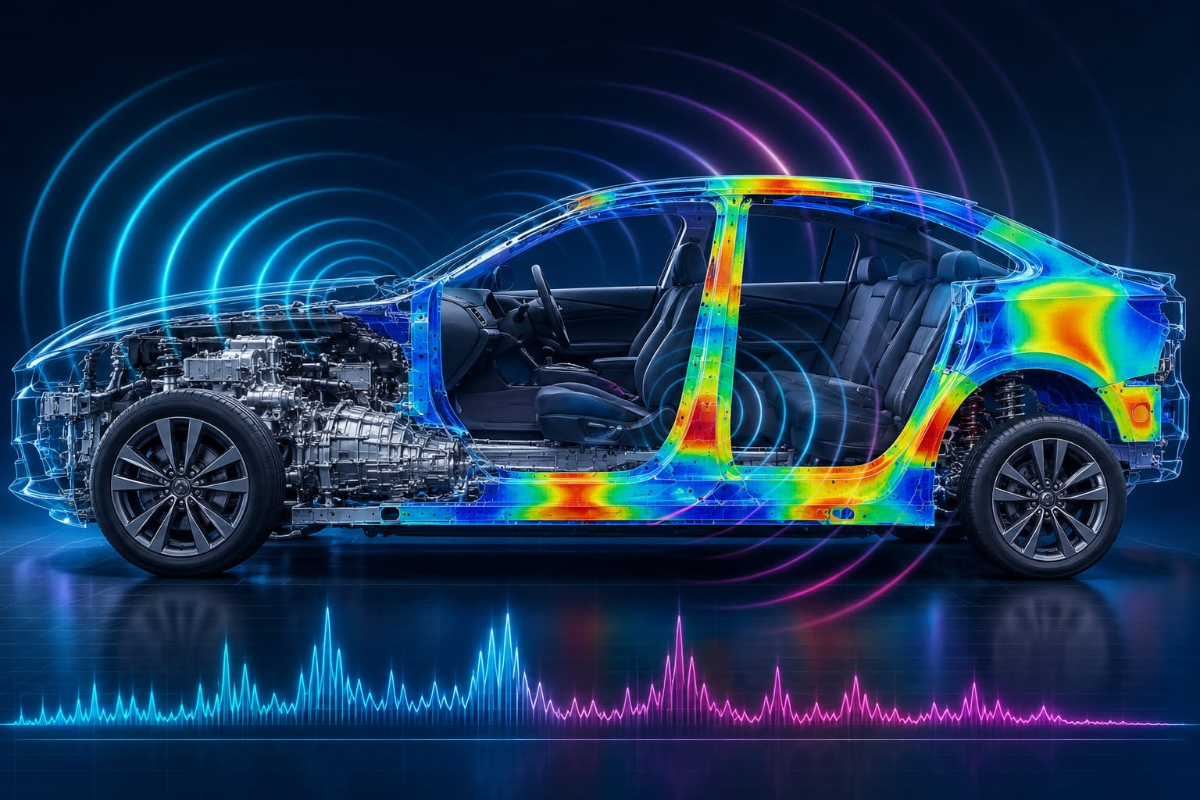
High-performance meshing and model setup for large assemblies, with dedicated crash and NVH workflows.
- Simcenter Optistruct (formerly Altair OptiStruct)
Structural solver with topology, size and shape optimisation for lighter, stiffer designs.
- Simcenter Radioss (formerly Altair Radioss)
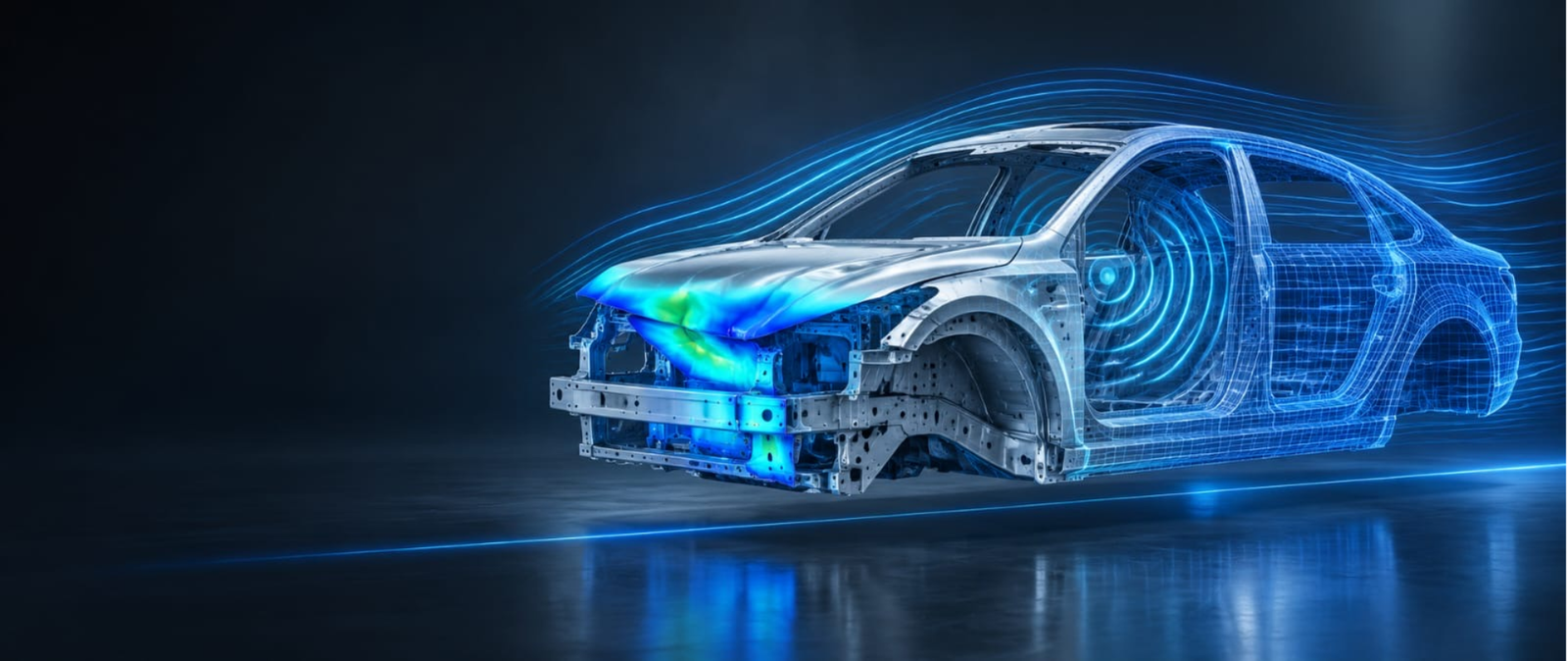
Explicit solver for fast, nonlinear events: crash, drop, impact and blast.
- Simcenter Simsolid (formerly Altair SimSolid)
Meshless structural analysis of complete assemblies directly on CAD geometry, in minutes.
- Simcenter Inspire (formerly Altair Inspire)
Designer-friendly generative design and quick structural checks, with process tools for casting, forming and moulding.
- Simcenter Motionsolve (formerly Altair MotionSolve)
Multibody dynamics for mechanisms, suspensions and machines in motion.
Fluids and thermal simulation
- Simcenter STAR-CCM+
Multiphysics computational fluid dynamics for flow, heat transfer, combustion and coupled effects.
- Simcenter FLOEFD
Flow and thermal analysis embedded in the CAD system, for designers checking ideas early.
- Simcenter Flotherm
Electronics cooling, from components and boards to enclosures and racks.
- Simcenter EDEM (formerly Altair EDEM)
Discrete element simulation of bulk and granular materials in mills, hoppers, conveyors and earth-moving equipment.
System simulation
- Simcenter Amesim
1D multi-physics system models in which mechanical, hydraulic, thermal and electrical components interact.
- Simcenter Flomaster
1D thermo-fluid network simulation for pipes, pumps and valves, including surge and failure scenarios.
Electromagnetic simulation
- Simcenter MAGNET
Low-frequency electromagnetics for motors, actuators, transformers and sensors.
- Simcenter Flux (formerly Altair Flux)
Electromagnetic and thermal analysis of electric machines and devices.
- Simcenter Feko (formerly Altair Feko)
High-frequency electromagnetics for antennas, EMC and radar.
Design exploration and AI
- Simcenter HEEDS
Automated design space exploration that drives your CAD and CAE tools to find designs meeting all targets.
- Simcenter PhysicsAI (formerly Altair PhysicsAI)
Fast performance predictions from AI models trained on your own simulation history.
Physical testing
- Simcenter Testlab
Test data acquisition and analysis for NVH, acoustics, durability and modal testing, used with Simcenter SCADAS hardware.
PLM: Product Lifecycle Management
Teamcenter holds the master copy of every part, document and change across engineering and manufacturing. Most companies begin with design data and engineering change, then extend into BOMs, quality and service.
Teamcenter
Run it in your own data centre or as a cloud subscription, with a browser-based interface (Active Workspace) for users outside engineering.
- CAD data management
Secure vaulting, revisions and access control for Designcenter, Solid Edge and other major CAD systems.
- Document management
Specifications, drawings and Office documents managed alongside the parts they describe, with co-authoring in Office.
- BOM management
Engineering, manufacturing and service bills of materials kept aligned, including colour and finish variants.
- Change management
Rule-based workflows that route changes, show impacted items and keep an auditable trail.
- Teamcenter Product Configurator
One definition of a configurable product, with scoped views for each discipline and every variant.
- Requirements and systems engineering
Each requirement linked to the design, verification and documentation that answer it, with model-based systems engineering and Polarion integration.
- Simulation data management
Simulation models, load cases and results linked to the design revision they belong to.
- Manufacturing process planning
Manufacturing BOMs, bills of process and resource libraries authored against the product structure.
- Teamcenter Quality
FMEA, audits and workforce qualification managed in the same system as the product data.
- Compliance management
Material and substance compliance against regulations such as REACH, RoHS and PFAS restrictions.
- Supplier collaboration
Supplier onboarding and controlled exchange of the right revision with external partners.
- Product Cost Management
Cost estimates built from product and process data, kept current as the design changes.
- Service lifecycle management
Service BOMs, maintenance planning and asset records for products in the field.
- Visualization
Lightweight 3D viewing, mark-up and photorealistic, BOM-driven visualisation for anyone in the organisation.
- Teamcenter Classification
Standard parts and equipment classified for search and reuse, reducing duplicate part numbers.
- Reporting and integrations
Dashboards with Power BI, and integrations with ERP systems such as SAP.
- Teamcenter Copilot
AI assistance for finding information, drafting quality documents and proposing BOM and planning changes, under user review.
- Teamcenter X
The cloud (SaaS) edition, with vendor-managed upgrades and self-service administration.
Digital Manufacturing and Dimensional Quality
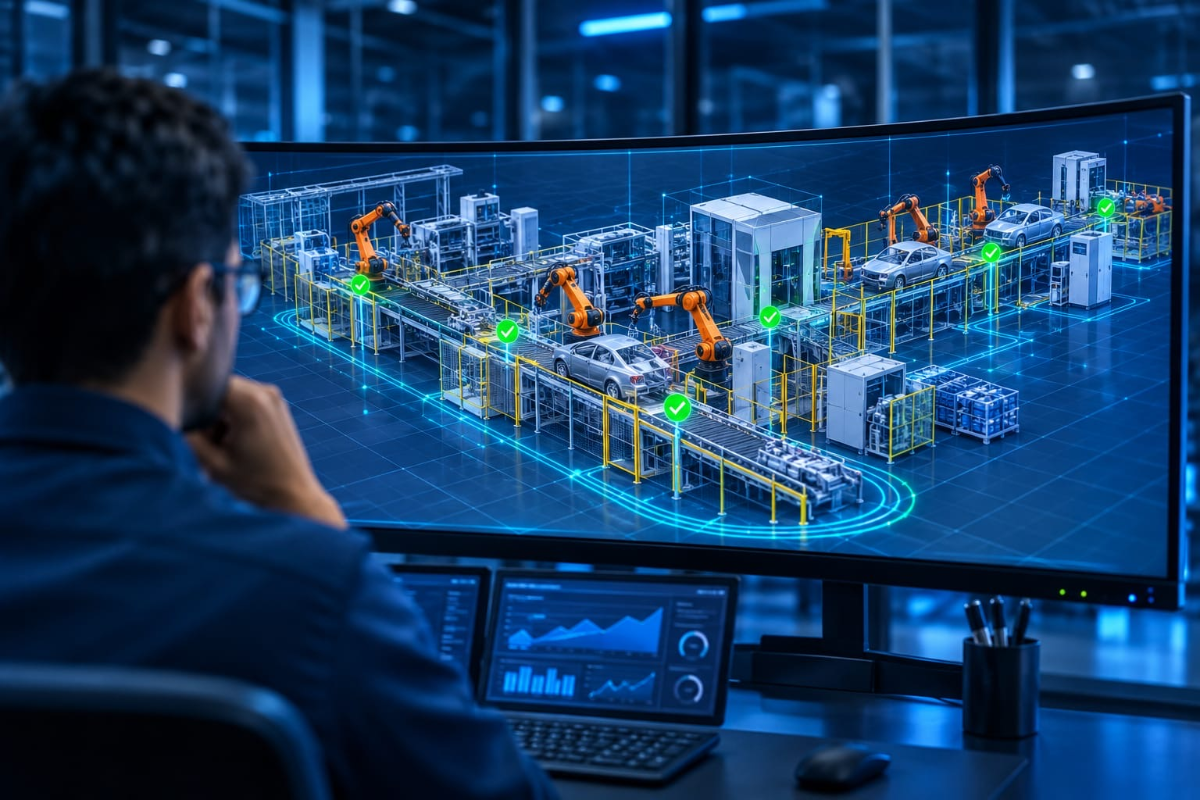
Tecnomatix builds and tests the production system in software: lines, robot cells, operator stations and the tolerances the product must hold.
Tecnomatix and line planning
Factory, line and station planning tools, linked to the product data in Teamcenter.
- Plant Simulation
Discrete-event simulation of plants, lines and logistics to test throughput, buffers, staffing and energy use.
- Process Simulate: assembly
Assembly and disassembly sequences checked for collisions and clearances in 3D.
- Process Simulate: robotics and offline programming
Robot reach, collision-free paths, cycle time and multi-robot coordination, with programs downloaded to the robot controller.
- Process Simulate: virtual commissioning
Real PLC code tested against a simulated cell or line before installation.
- Process Simulate: continuous processes
Path generation and simulation for arc and seam welding, gluing, sealing, spraying and painting.
- Process Simulate: human simulation
Digital humans to check reach, posture, cycle time and ergonomics at manual stations.
- Process Simulate: virtual reality
Studies reviewed in VR, with playback, measurement and notes.
- Process Simulate X Essentials, Standard and Advanced
Cloud-connected packages scaled from process and ergonomics studies up to full virtual commissioning, spot welding and continuous processes.
- Designcenter Line Designer
3D factory layout with parametric equipment such as conveyors, racks and guarding, shared with Process Simulate.
- Assembly Line Planner
Line balancing, takt and Gantt views and variant-aware operation planning for assembly lines.
Tecnomatix Variation Analysis (formerly VSA)
3D variation simulation that predicts how part tolerances and assembly processes combine in the finished product.
- 3D variation simulation
Monte Carlo simulation of part and process variation through the assembly sequence, reporting gaps, flush and other build objectives.
- GD&T modelling
Tolerances defined to ASME and ISO standards on the model, reused from model-based definition where available.
- Contributor analysis
Identification of the few tolerances and locating features that drive each build objective.
- Multi-CAD through JT
Studies built on lightweight JT data, so assemblies from different CAD systems can be analysed together.
- Tolerance communication
Results and tolerance decisions shared with design teams, suppliers and customers from one model.
Manufacturing Operations (MES)
Opcenter connects planning, execution and quality on the shop floor, and feeds results back to engineering.
Opcenter
Manufacturing operations management in industry-specific editions, from single plants to multi-site operations.
- Opcenter Execution Discrete
Manufacturing execution for discrete industries: work orders, routing, electronic work instructions, genealogy and traceability.
- Opcenter Execution Process
Execution for batch and process manufacturing, including recipes and material tracking.
- Opcenter Execution Electronics, Medical Device and Pharma
Editions for regulated and high-mix industries with sector-specific traceability and compliance.
- Opcenter APS (formerly Preactor)
Advanced planning and finite-capacity scheduling that builds realistic plans around machines, people and materials.
- Opcenter Quality
Inspection planning, statistical process control and non-conformance handling on the shop floor.
- Opcenter Intelligence
Analytics and KPI dashboards across production, quality and planning data.
- Opcenter X
A cloud MES for small and mid-sized manufacturers, quick to deploy and subscription-based.
Factory Automation
Controllers, drives, CNC, operator panels and plant software designed to work as one system and engineered in a single environment.
SIMATIC controllers
- SIMATIC S7-1200 G2 and S7-1200
Compact controllers for small and mid-sized machines; the G2 generation adds performance and motion control capability.
- SIMATIC S7-1500
The advanced controller family, in standard, compact, technology (motion), fail-safe and redundant versions.
- SIMATIC ET 200SP CPU
Controller built into the distributed I/O station, for compact machines and modular plant sections.
- SIMATIC S7-1500 Software Controller
PC-based controller running on a SIMATIC industrial PC alongside Windows applications.
- SIMATIC S7-1500V
Virtual controller that runs as an app on Industrial Edge or virtualised servers, programmed in TIA Portal like any S7-1500.
Distributed I/O, HMI and industrial PCs
- SIMATIC ET 200SP and ET 200MP
Modular I/O systems for the control cabinet.
- SIMATIC ET 200eco PN and ET 200pro
Rugged, machine-mounted I/O to IP65/67, without a control cabinet.
- SIMATIC HMI panels
Unified Comfort Panels, Basic Panels and Mobile Panels for operating machines and lines.
- SIMATIC IPC
Industrial PCs for control, visualisation and edge computing in harsh environments.
SINAMICS drives
- SINAMICS V20
Basic converter for simple pumps, fans and conveyors.
- SINAMICS G120 family
Modular and compact general-purpose converters for a wide range of machine and plant applications.
- SINAMICS G220
The latest generation of general-purpose low-voltage converters for pumps, fans, compressors and conveyors.
- SINAMICS V90 and S200
Servo systems for simple, cost-effective single-axis motion.
- SINAMICS S210
High-dynamic servo drive with integrated safety and single-cable motor connection.
- SINAMICS S120 and S220
Modular multi-axis drive systems on a common DC link with energy recovery; the S220 is the next generation.
SINUMERIK CNC
- SINUMERIK ONE
Digital-native CNC for complex machine tools, with a digital twin of the control built in.
- SINUMERIK 828D
Compact CNC for standard turning, milling and grinding machines.
- Create MyVirtual Machine and Run MyVirtual Machine
Digital twin of the CNC and machine, for virtual commissioning by machine builders and offline programming by users.
TIA Portal and engineering tools
- STEP 7
Controller programming in ladder, function block, structured text (SCL) and sequential (GRAPH) languages.
- WinCC in TIA Portal
HMI engineering for panels and PC stations, including WinCC Unified.
- Startdrive
Drive configuration and commissioning inside TIA Portal.
- STEP 7 Safety
Fail-safe programming for safety functions, alongside the standard program in one project.
- PLCSIM and PLCSIM Advanced
Simulated controllers for testing logic and for virtual commissioning without hardware.
- SIMIT
Simulation of machine and plant behaviour for virtual commissioning and operator training.
- TIA Portal Openness and Multiuser Engineering
Scripted generation of engineering projects, and several engineers working on one project at once.
- Siemens Industrial Copilot
AI assistance in engineering that generates, explains and documents automation code.
SCADA and plant visualisation
- SIMATIC WinCC
SCADA for monitoring and controlling machines and plants, with alarming, trends and reporting.
- SIMATIC WinCC Unified
Web-based visualisation that runs on panels, PCs and Industrial Edge, engineered once in TIA Portal.
- SIMATIC WinCC Open Architecture
Highly scalable, customisable SCADA for large and distributed systems.
Industrial Edge
- Industrial Edge Devices
Edge hardware and virtual devices that run apps close to the machine.
- Industrial Edge Management
Central deployment, updates and monitoring of edge devices and apps across a plant or several plants.
- Industrial Edge apps
Apps from the Industrial Edge Marketplace for data collection, connectivity, analytics, visualisation and virtual control.
Licensing and Support
Siemens software can be licensed in several ways, and we help you choose the mix that fits your team today and as it grows!
- Perpetual and subscription licences for desktop products
- Value-based (token) licensing that gives flexible access to a pool of add-on modules
- Cloud editions: Designcenter X, Designcenter X Solid Edge, Teamcenter X, NX X Manufacturing and Process Simulate X
- Implementation, data migration, training and local technical support from our engineers